RLES MEDIA
  • Assignments
    • Kindergarten
    • 1st Grade
    • 2nd Grade
    • 3rd Grade
    • 4th Grade
    • 5th Grade
  • Resources
    • Ebooks
    • Ojibwe Language
    • Keyboarding Games
    • Dictionary
    • 3D Printing
    • Canva
    • Research
    • Links
  • Student Work
    • TerraTech Airplanes
    • 3rd Grade Medieval Village!
    • Go Animate Videos
    • Coding & Robotics
    • 5th Grade Arcade
    • Bloxels Arcade!
    • CoSpaces Assignments
  • Book Search
  • Exploratory
    • 1st Grade Exploratory
    • 5th Exploratory
  • Esports
    • Drone Racing League!
    • Gaming

Transforming Metal: Part 2

10/26/2025

 
Picture

Are Magic Potions Real?

10/6/2025

 
Picture

Why Did the Dinosaurs go Extinct?

9/29/2025

 
Picture

September 08th, 2025

9/8/2025


How Does a Tiny Seed Become the Biggest Trees on Earth? 

Picture

Design Challenge #3

4/3/2025

 
Picture

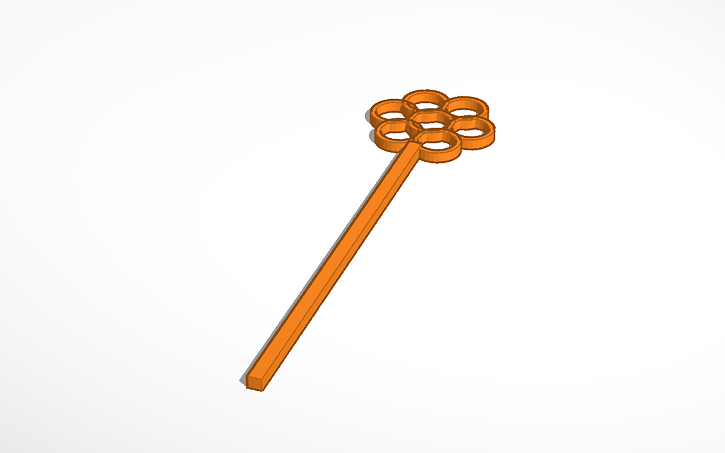
Create a bubble wand! 

Your little cousin is coming over. He/she loves bubbles. While you have soap and water to make bubbles, the internet to look up the right ratio for the best bubbles, you do not have a bubble wand. Get cracking. Your cousin is completely awesome and you want to show them this kindness. Here are some design considerations: 

1. Does your wand produce many small bubbles or a few larger bubbles. 
2. Will your wand include letters, shapes, or unique details. 
3. Size. 
4. Color. 

Make sure - as with last week's challenge - to name your creation "yourname-fin" so that I know to print. 

When finished, try browsing my favorite 3D model website to see what other makers are making: Thingiverse.com
Picture

Tutorial Video 

Design Challenge #3: Bookmarks!

3/17/2025


Specifications and Design Constraints 

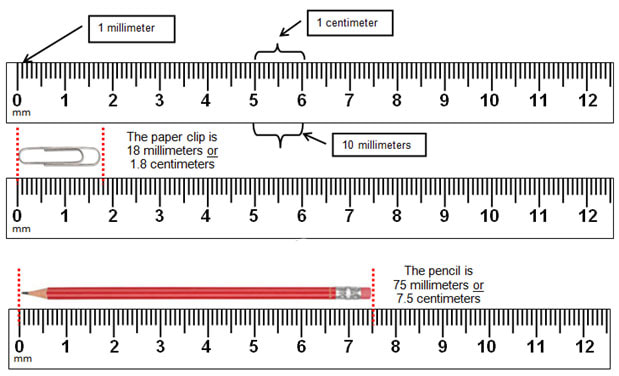
1. Your bookmark should be standard size - which is 2 inches by 6 inches, but in millimeters that is 50.8 by 152.4. 
​
2. Your bookmark should be no larger than 2 millimeters thick at its thickest point. Think one millimeter base and anything on top 1 millimeter. That way, we will have something strong, but not too think. We don't want to damage books. 

3. You can use more than one color, but you might not get those colors. My printer at home has orange, black, white, and yellow. The one here has green, blue, red, and white. We will only use Bambu printers for this assignment. 

4. You bookmark must be able to lie flat while printing. Only one side can protrude outwards. 

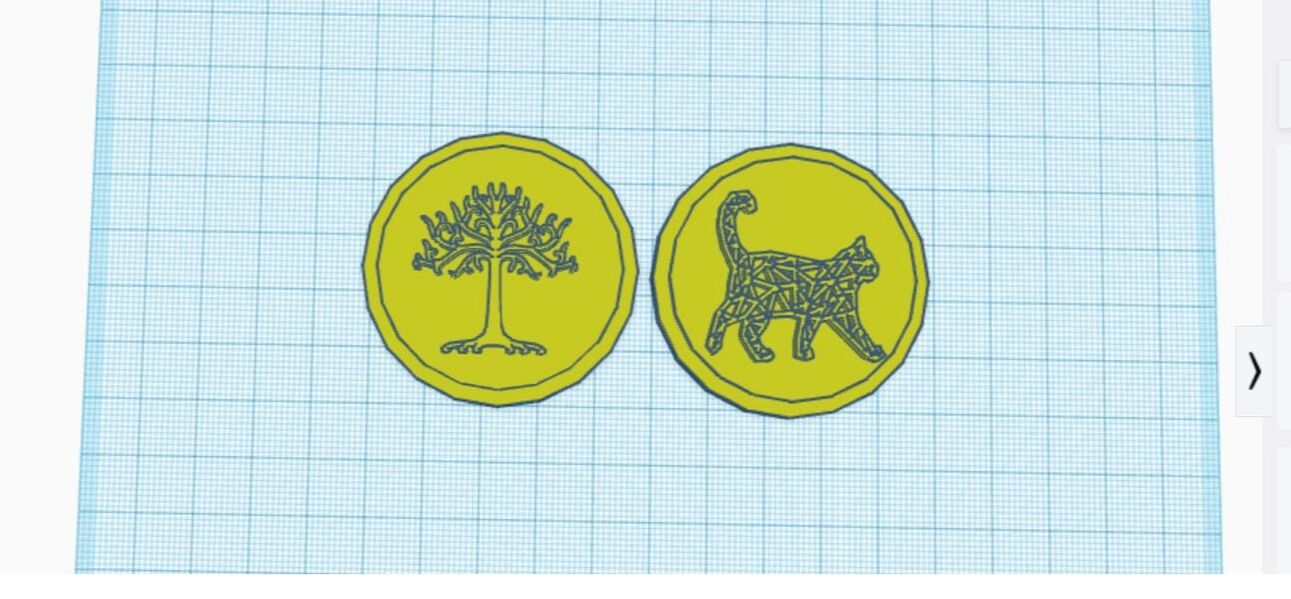
5. You can use 2D images/objects from the links below! 

Picture
Picture

Design Challenge #1

3/10/2025


Design your own keychain

Today, you will use Tinkercad to design a keychain. For a keychain, you'll need to keep a few things in mind:
  1. First, what size should a keychain be? You can measure your creations in Tinkercad. 
  2. How will it attach to your key ring? 
  3. Would sharp corners or edges annoy you? 
  4. What color should it be. 
These are all design considerations that are part of the design process planning stage. In the video below, I demonstrate making a keychain in case you miss class. 

IF YOU WANT TO HAVE YOUR CREATION PRINTED BY NEXT WEEK, YOU MUST: 
  1. Save your creation with "yourname-fin" 
  2. Use the color you want your creation printed in. 
  3. Have a printable object. Super large or microscopic prints with not be completed. Creations with excessive "overhang" will need to be altered. Don't worry, such things are part of the design process. 

I'm Finished, what should I do? 

Create a another object. Try to create a magnet for your locker. 
How to Video 

Challenge #3: Spinning Top

1/6/2025


Directions: 

Use Tinkercad to design your own spinning top. Who can make a top that can spin for at least 30 seconds? Who's top will spin the longest? We will find out! 

Downloading & Uploading with Thingiverse

11/18/2024

 
Picture

If you own a 3D printer, you are probably not going to design everything you print. There are armies of people designing things that you can use (but usually not sell) for free! Choose a small item from thingiverse.com. Upload it to Tinkercad and name it your name! You will get your item in the next week:) 

Challenge #3: Pens or Printers?

10/31/2024

 
Picture
Picture

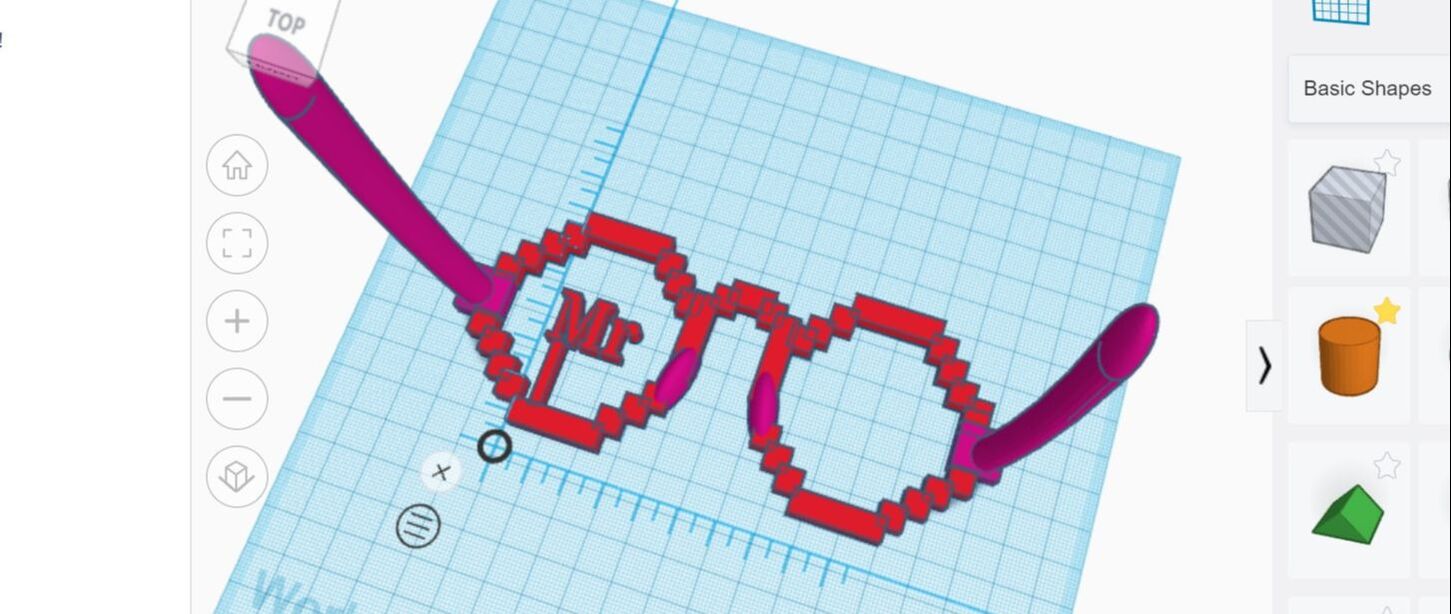
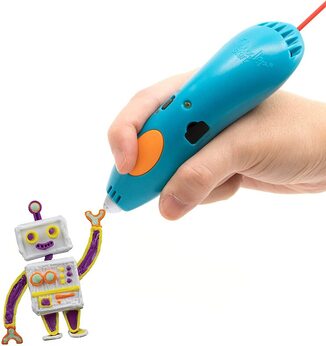
Make Glasses or use the Pens 

3D pens were designed after 3D printers, and by the company that makes our pens. Try your hand at using the pen to repeat project #2. Which bubblewand works better? Which tool do you enjoy more? Finished early? Go to tinkercad and build something you want. Use stencils with the pens! 


<<Previous
    Zimmerman

    Tinkercad Links

    Koehler

    Olson's Class

    Kindem

    Follis
    Dreher

    Archives

    October 2025
    September 2025
    April 2025
    March 2025
    January 2025
    November 2024
    October 2024
    April 2024
    March 2024
    March 2023
    November 2022

    Categories

    All

    RSS Feed

Powered by Create your own unique website with customizable templates.
  • Assignments
    • Kindergarten
    • 1st Grade
    • 2nd Grade
    • 3rd Grade
    • 4th Grade
    • 5th Grade
  • Resources
    • Ebooks
    • Ojibwe Language
    • Keyboarding Games
    • Dictionary
    • 3D Printing
    • Canva
    • Research
    • Links
  • Student Work
    • TerraTech Airplanes
    • 3rd Grade Medieval Village!
    • Go Animate Videos
    • Coding & Robotics
    • 5th Grade Arcade
    • Bloxels Arcade!
    • CoSpaces Assignments
  • Book Search
  • Exploratory
    • 1st Grade Exploratory
    • 5th Exploratory
  • Esports
    • Drone Racing League!
    • Gaming